What Data Should I Actually Trust in Google Ads? (And What You Can Ignore)
- jax5027
- Aug 23
- 4 min read

Tired of trying to make sense of Google Ads' endless data buffet? Wondering which numbers actually matter and which were invented to help Google’s shareholders sleep at night? Grab a coffee, founder friend, because this is the no-nonsense guide PPC agencies rarely offer.
Data You Can (Almost) Trust
Let’s start with the basics. Some data exists because Google needs to get your invoice right. Guess what? That stuff is surprisingly accurate.
1. Clicks & Impressions
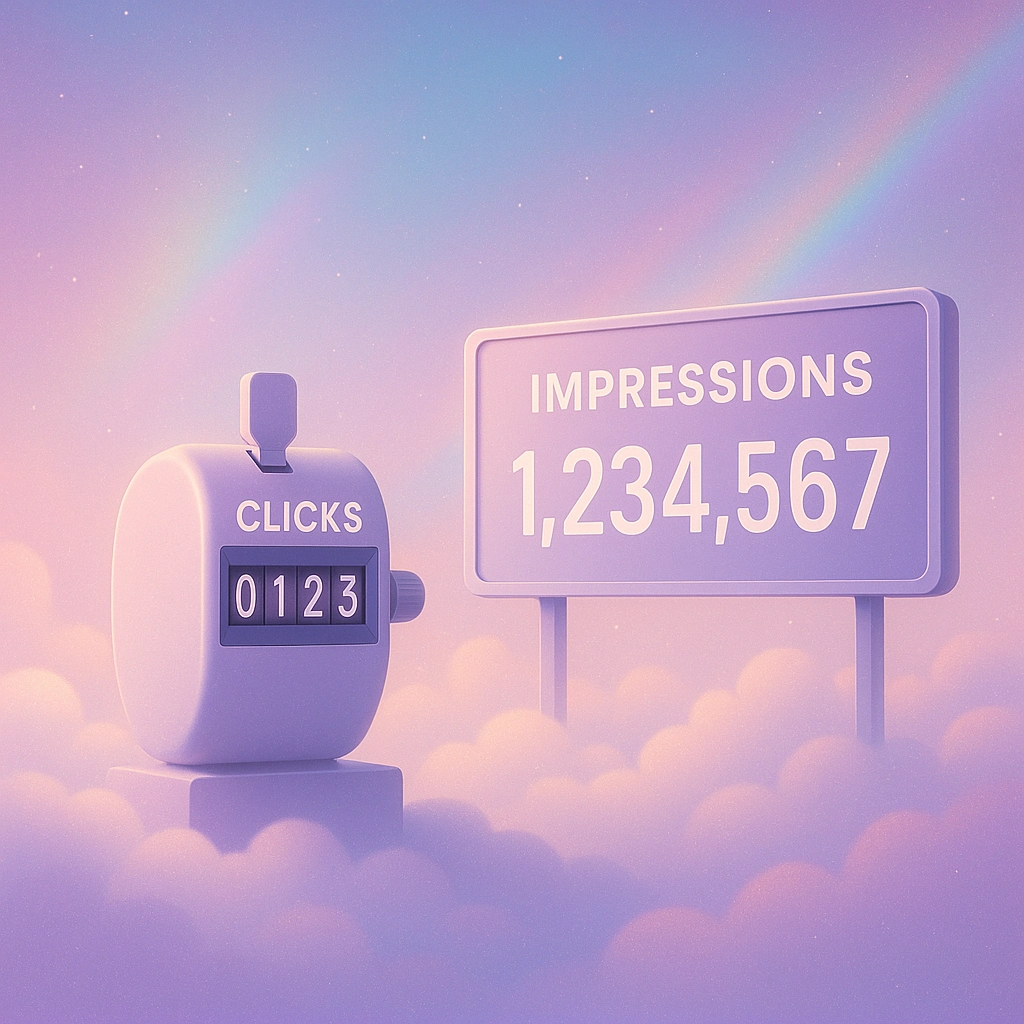
These are Google Ads’ bread and butter. If the platform miscounted clicks or impressions, there would be mass outrage (and law suits). It's how they charge you, so mistakes here are rare. If it says you got 2,456 clicks and 144,902 impressions this month, you did. Whether they were from interested buyers or accidental thumb taps at 1am is a separate issue.
2. Ad Spend & Cost Metrics
Google knows exactly how much you’ve spent. Nobody’s fudging these numbers—your card is definitely getting whacked for the total in your dashboard. Same goes for your CPC and CPM metrics. Use this data for financial reporting, budgeting and, if you need a cry, forecasting.
3. Click-Through Rate (CTR)
CTR is just clicks divided by impressions. If the basics are solid, so is this. A high CTR means you’re getting attention (not necessarily sales, we’ll get to that). Track it for ad relevance, not as proof Google’s running a charity on your behalf.
Data That Needs a Side-Eye
Google Ads isn’t all cold, hard numbers. Some of it veers into borderline fantasy. Here’s what to squint at before making big decisions.
1. Conversion Tracking
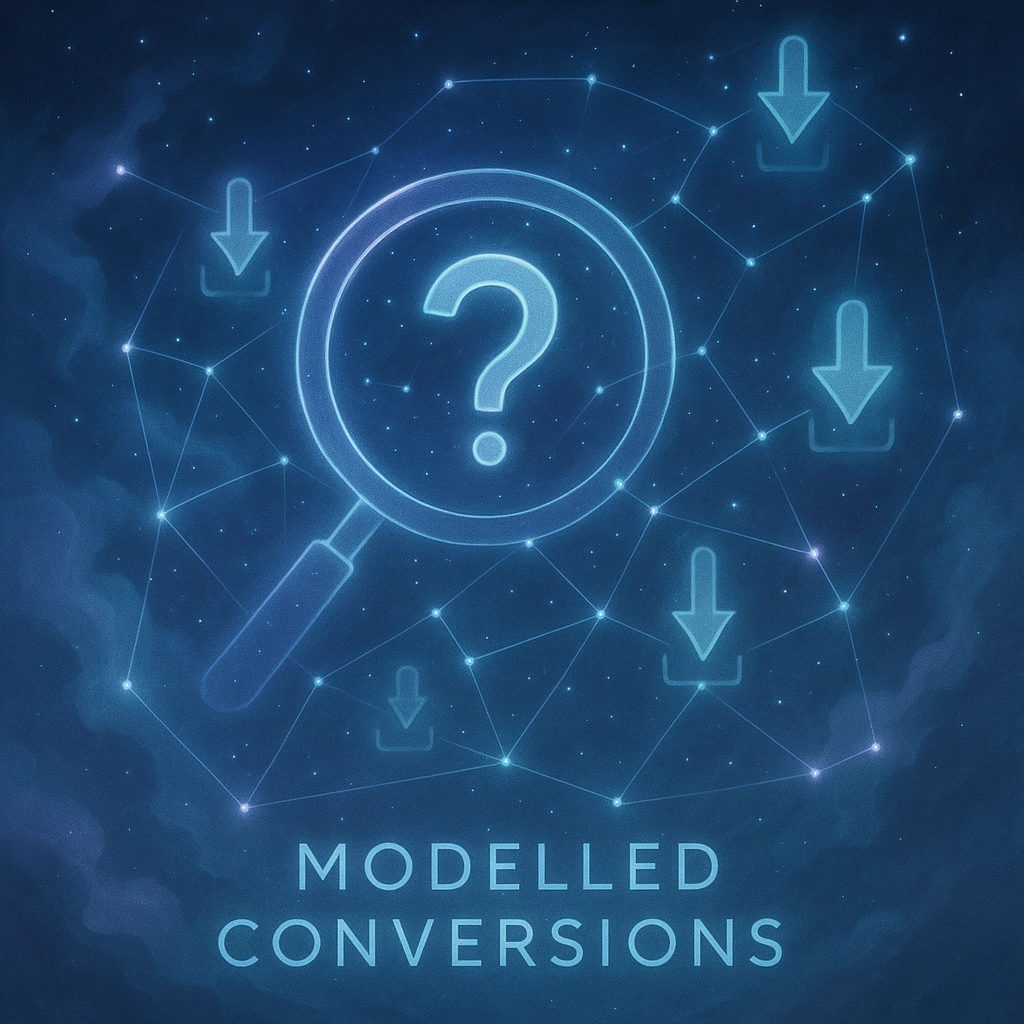
“Conversions” are supposed to tell you how many people did what you wanted (like spent money). They should be solid, especially if your tracking is set up properly. But wait! Google’s started using ‘modelled conversions’ (AI guesstimating when real tracking can’t). Modelled conversions can look suspiciously optimistic. Always, always cross-check with your own sales data in Shopify, WooCommerce, or wherever you keep score.
Quick Tip: Significant mismatch between platform conversions and reality? There’s a tracking or attribution issue. Fix it or ignore the dreams Google’s selling you.
2. Quality Score
Quality Score isn’t some holy grail—it’s Google’s own opinion of your ad relevance, keywords, landing page, and, yes, your willingness to play by its rules. A low score can hurt you (higher CPCs) but a high one isn’t a guarantee of profit. Use Quality Score to spot problems, then promptly move on.
3. Revenue Attribution
Did someone look at your ad, shop around, take a nap, see your billboard on the M25 and then finally convert? Google will try to claim the credit. Revenue numbers in-platform often paint you as a PPC superstar. Reality usually begs to differ.
Always compare Google’s revenue attributions with your actual payment processor data. Get suspicious if the numbers feel too good to be true.
Data You Can (and Usually Should) Ignore
Yes, you read that right. Some metrics and recommendations in Google Ads are better left unread unless you enjoy parting with your budget for no good reason.
1. Budget Optimisation Suggestions
Google’s favourite hobby is telling you to “increase budget to unlock more conversions.” Rarely does it care about your actual profit margins. If Google recommends ramping up spend by £20k to chase £15k in returns, kindly nod, close the recommendation, and move on. Don’t let the fox mind the henhouse.
2. Broad Match Keyword Recommendations
If Google’s automation insists “add broad match for more reach!”—beware. Broad match often means irrelevant clicks from people who couldn’t buy your product even if you paid them. Especially dangerous when you’re losing impression share due to budget. If you must use broad match, do it intentionally and with a magnifying glass over search terms.
3. Default Automated Recommendations
Most of these are designed to boost Google’s bottom line, not yours. The “recommended” card view in Google Ads should come with a health warning. Important fixes—like broken tracking or missing extensions—are hidden in less-promoted sections, while the front page is stacked with clever ways to spend more or chase vanity KPIs.

Practical Tips: How to Judge Google Ads Data Like a Pro
1. Trust, But Verify
Always validate conversion and revenue data with your own analytics (Shopify, GA4, etc.).
Never blindly trust “projected” or “modelled” stats—these are marketing, not accounting.
2. Prioritise Business Metrics Over Platform Vanity
Chasing a high CTR? Great. But if conversions and actual profits aren’t climbing, it’s all for show.
Cost-per-acquisition and actual return on ad spend (ROAS) based on your real books trump Google’s fairy tales every time.
3. Cross-Check Recommendations
Audit every automated “tip” before you take action—especially when it involves more spend.
The “Repair” section is where real issues (broken tags, paused keywords you forgot about) usually hide.
4. Dive into the ‘When’, Not Just the ‘How Many’
Look beyond raw conversion numbers. Analyse “conversions by time”—what days and hours do real buyers show up? Shift budgets there. Ignore Google’s suggestion to go broad all week.

Common Misconceptions Google Ads Loves To Perpetuate
Mini Case Study
Imagine you’re running a thriving eCommerce store. Last month, Google says you made 250 conversions off £2,500 spend. Your Shopify shows 190 sales. Where’s the gap? Direct, social, organic—and, let’s face it, maybe your tracking’s off. Your job: align actual revenue with ad platform fairy tales, not the other way round.
Final Checklist: What Matters, What to Bin
Trust This | Be Skeptical Of | Ignore Entirely |
Clicks, impressions | Modelled/stochastic metrics | Budget increase recommendations |
Actual ad spend & CPC/CPM | Quality Score | Broad match suggestions |
Your own conversion tracking | In-platform revenue reports | Vanity metrics (impr. share, etc) |
Cost per conversion (if cross-checkable) | Automated column “hacks” |

If you want more straight-talking, founder-friendly PPC wisdom, check out our other guides in the "Things PPC Agencies Never Explain" series on the JudeLuxe blog. Knowledge is power—and, happily, also the antidote to expensive Google Ads “optimisations” you never needed in the first place.